A closer look at DS4Windows
Documentation index · Getting started
These screenshots show the .NET 10 interface released in 5.0.35, with refreshed WebP captures supplied by Pav-Osmolski on 20 October 2026. Some captures use the PR #56 test build and show its earlier version label. Selected options illustrate the interface; they are not recommendations for every controller.
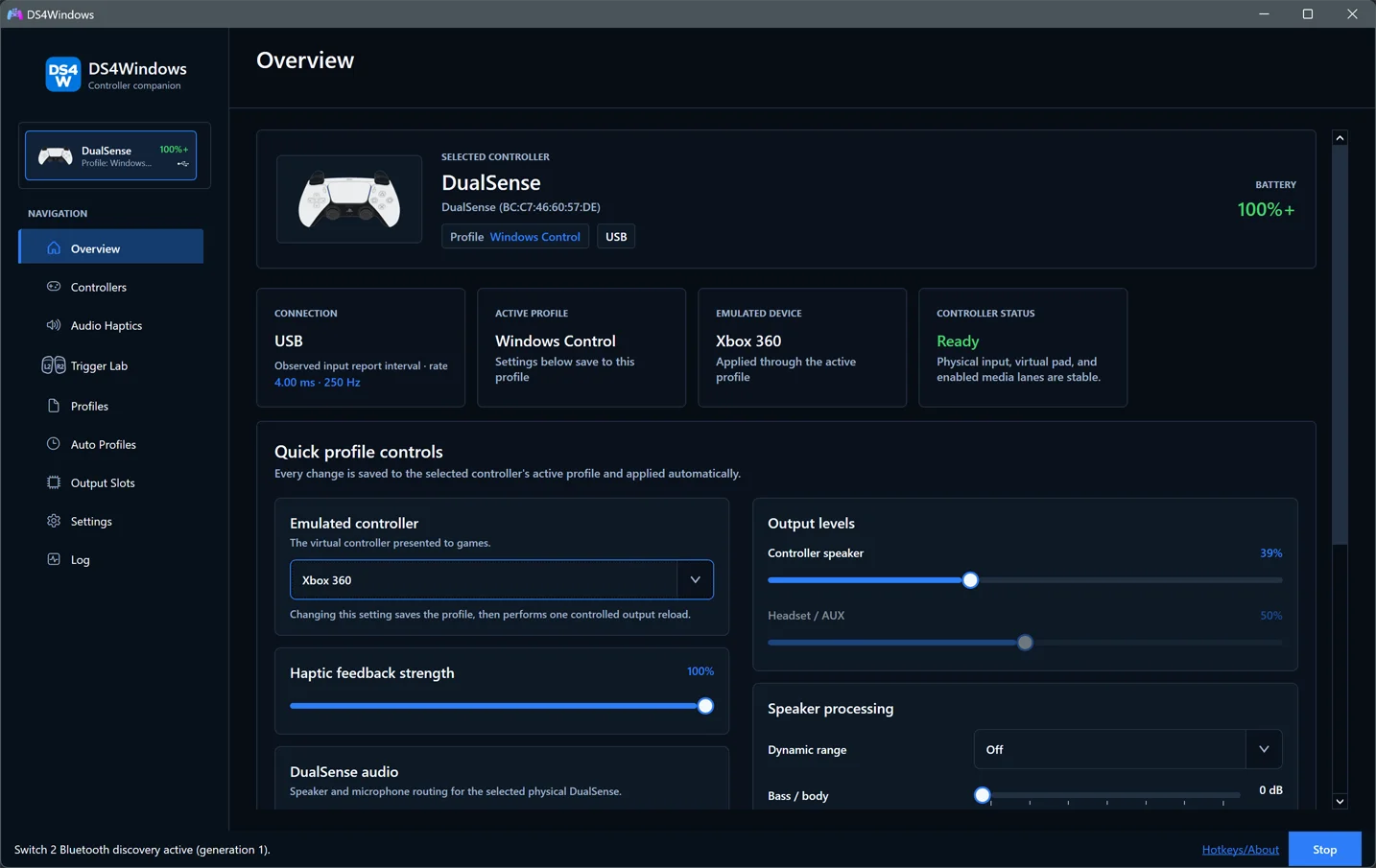
Overview
See connected controllers, active profiles and controller status at a glance. Overview guide.
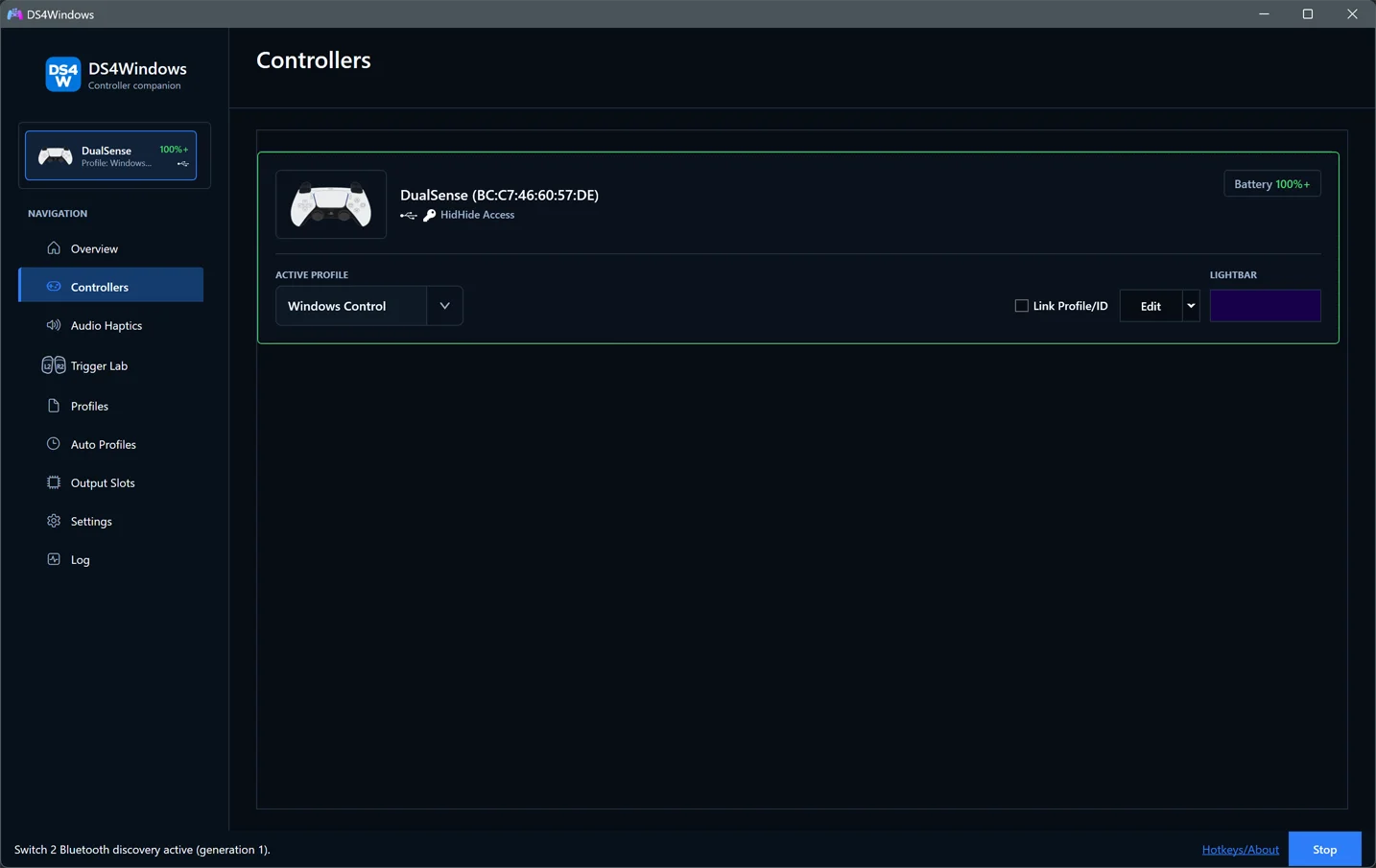
Controllers
Select a controller, assign its profile or open the editor. Controllers guide.
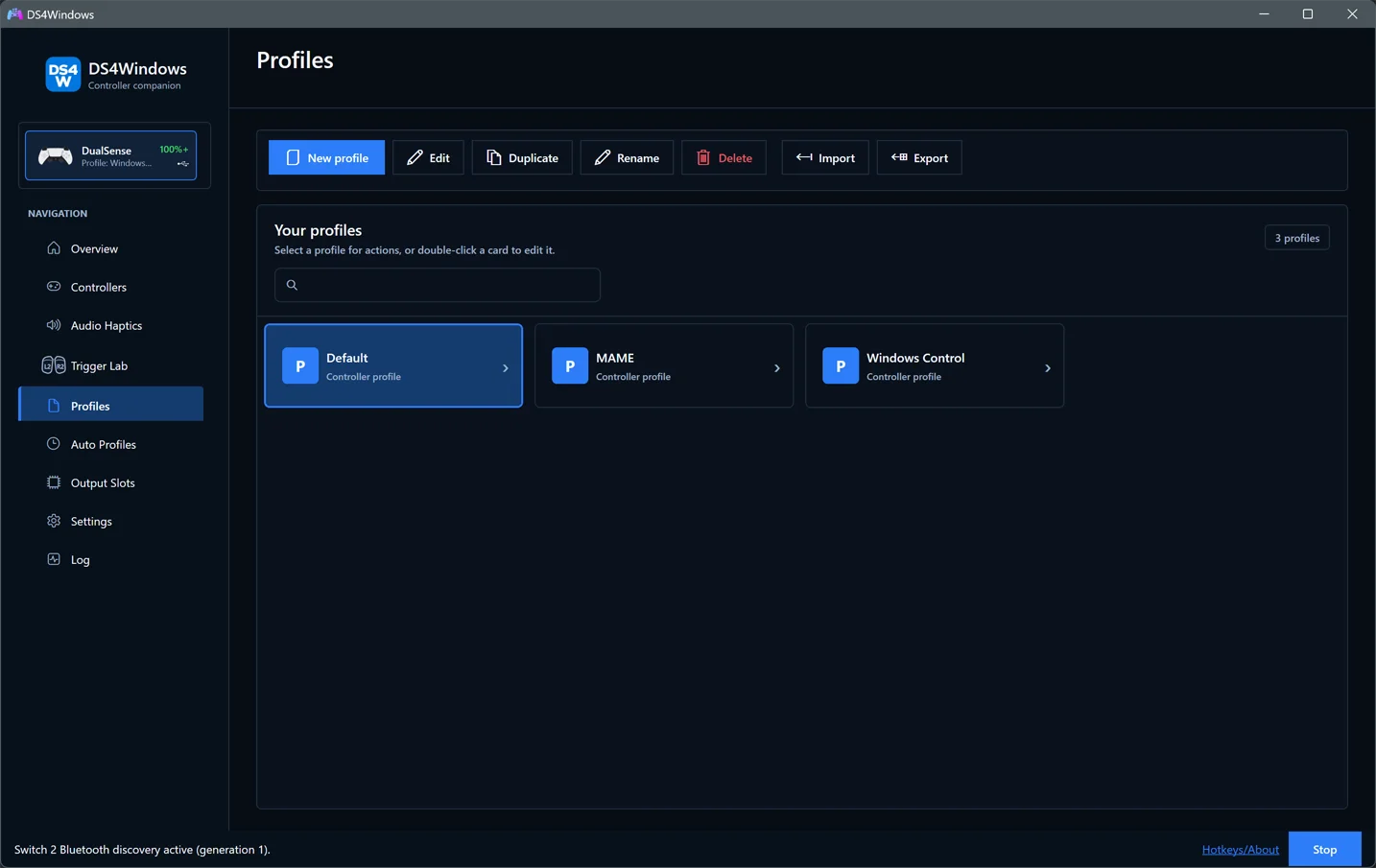
Profiles
Create, edit and manage saved profiles for different games and applications. Profiles guide.
Profile Editor
Build a mapping around your game, then fine-tune axes, gyro, lighting and controller-specific behaviour. Profile Editor guide.
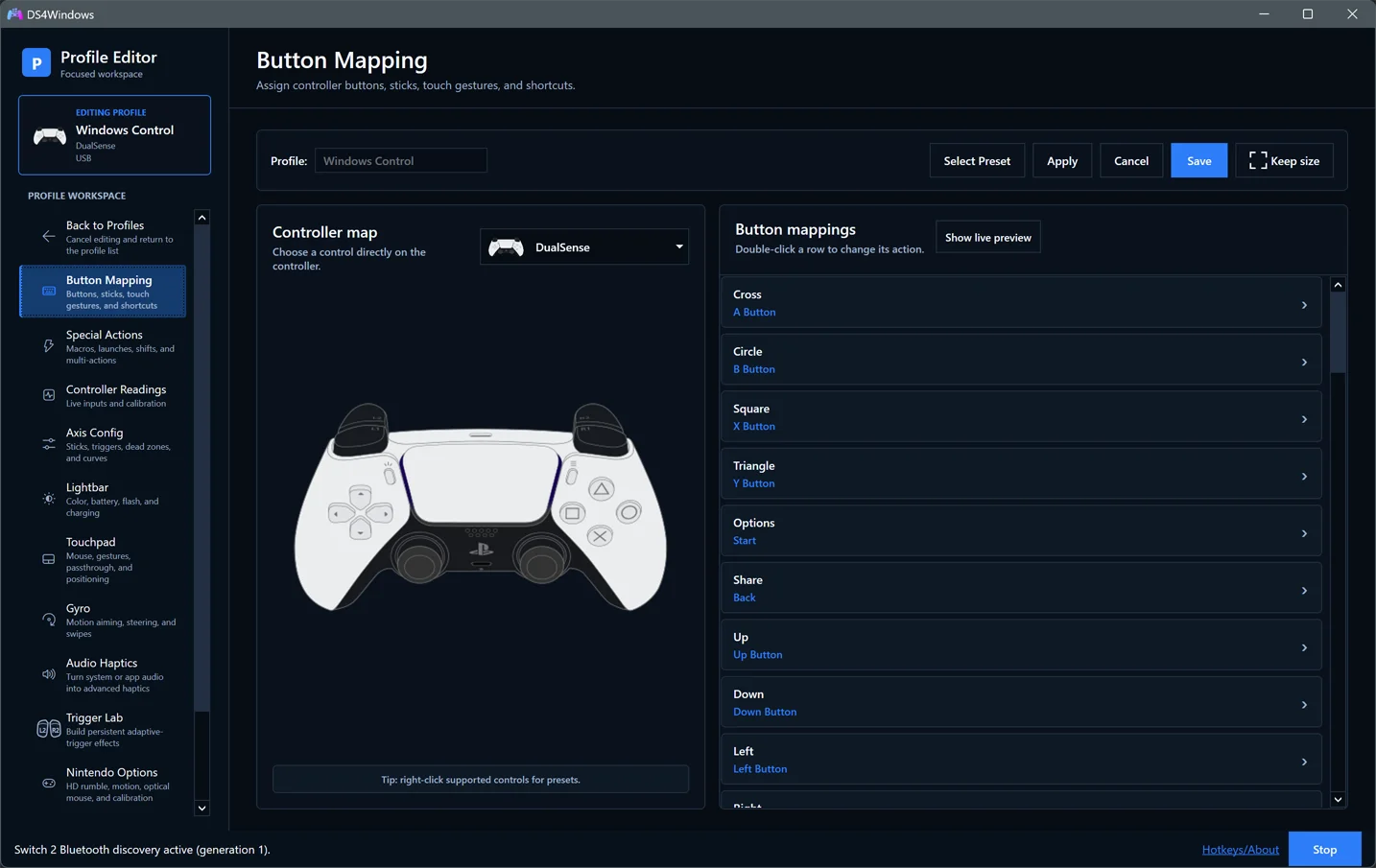
Button mapping
Choose a controller button, keyboard key, mouse action or macro for a control. Button Mapping guide.
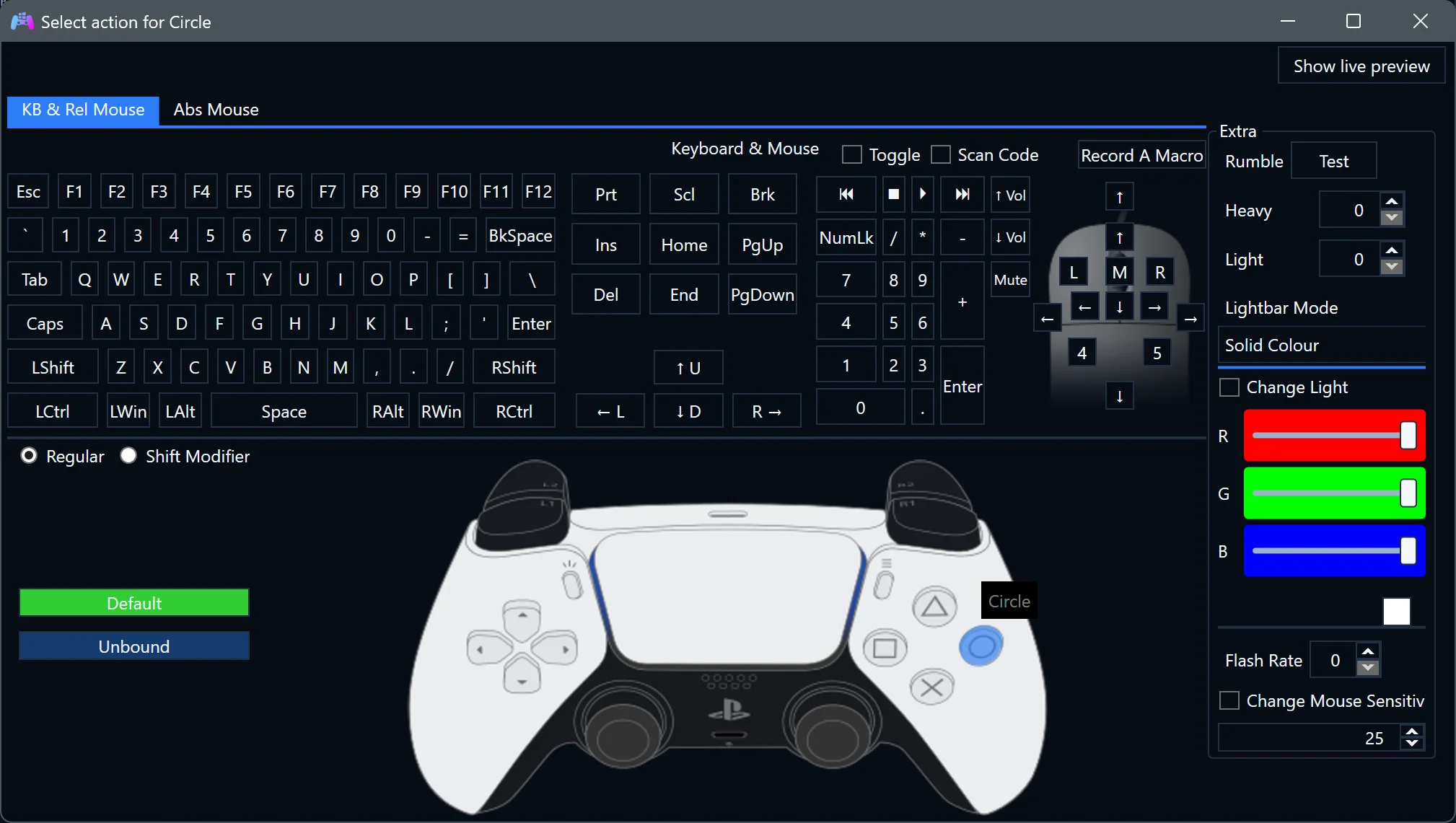
Special Actions
Create shortcuts for macros, profile shifts, program launches or Bluetooth disconnects. Enable each action for the profiles that should use it. Special Actions guide.
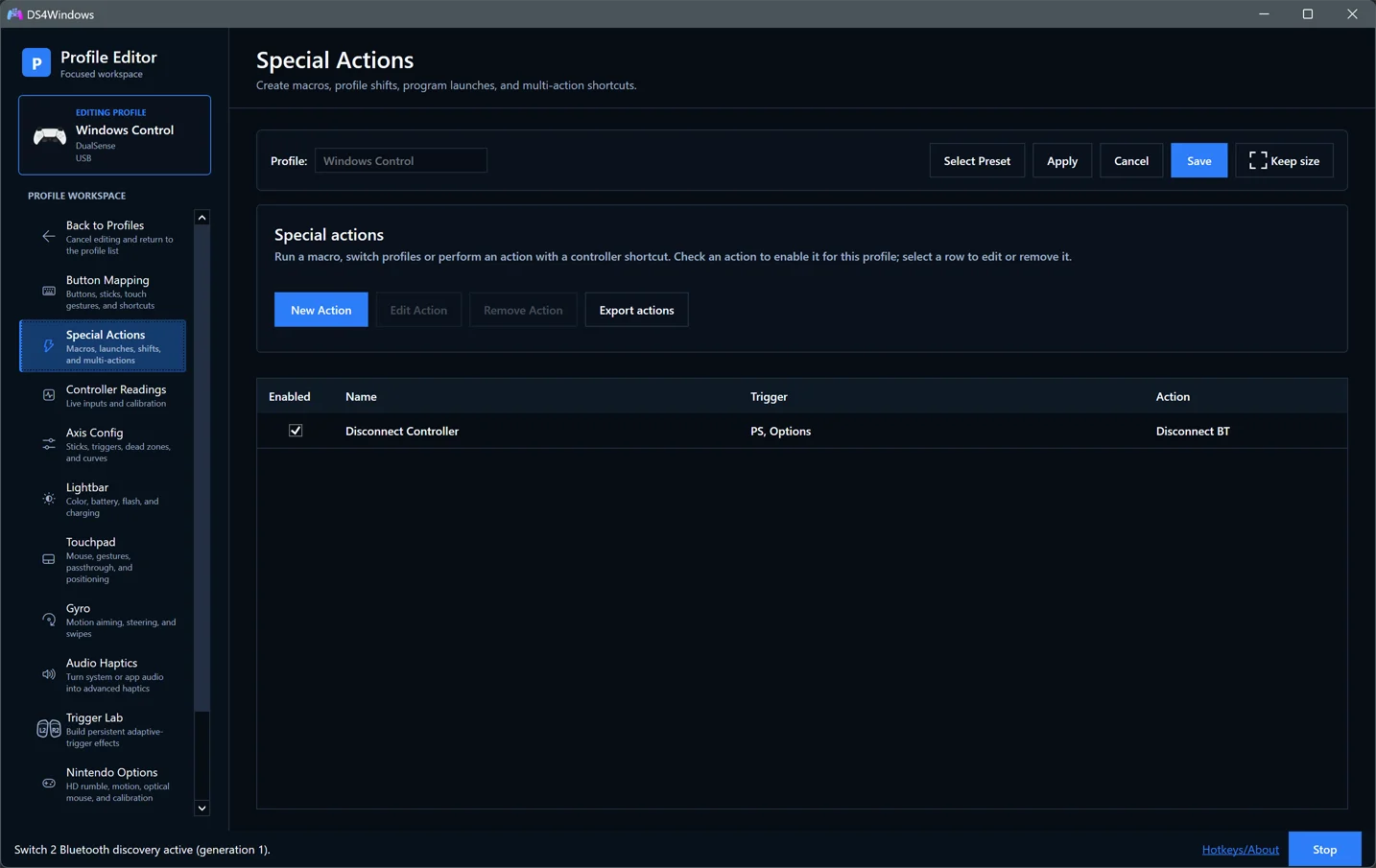
Axis Config
Tune dead zones, sensitivity and response curves while comparing live physical input with mapped output. Axis Config guide.
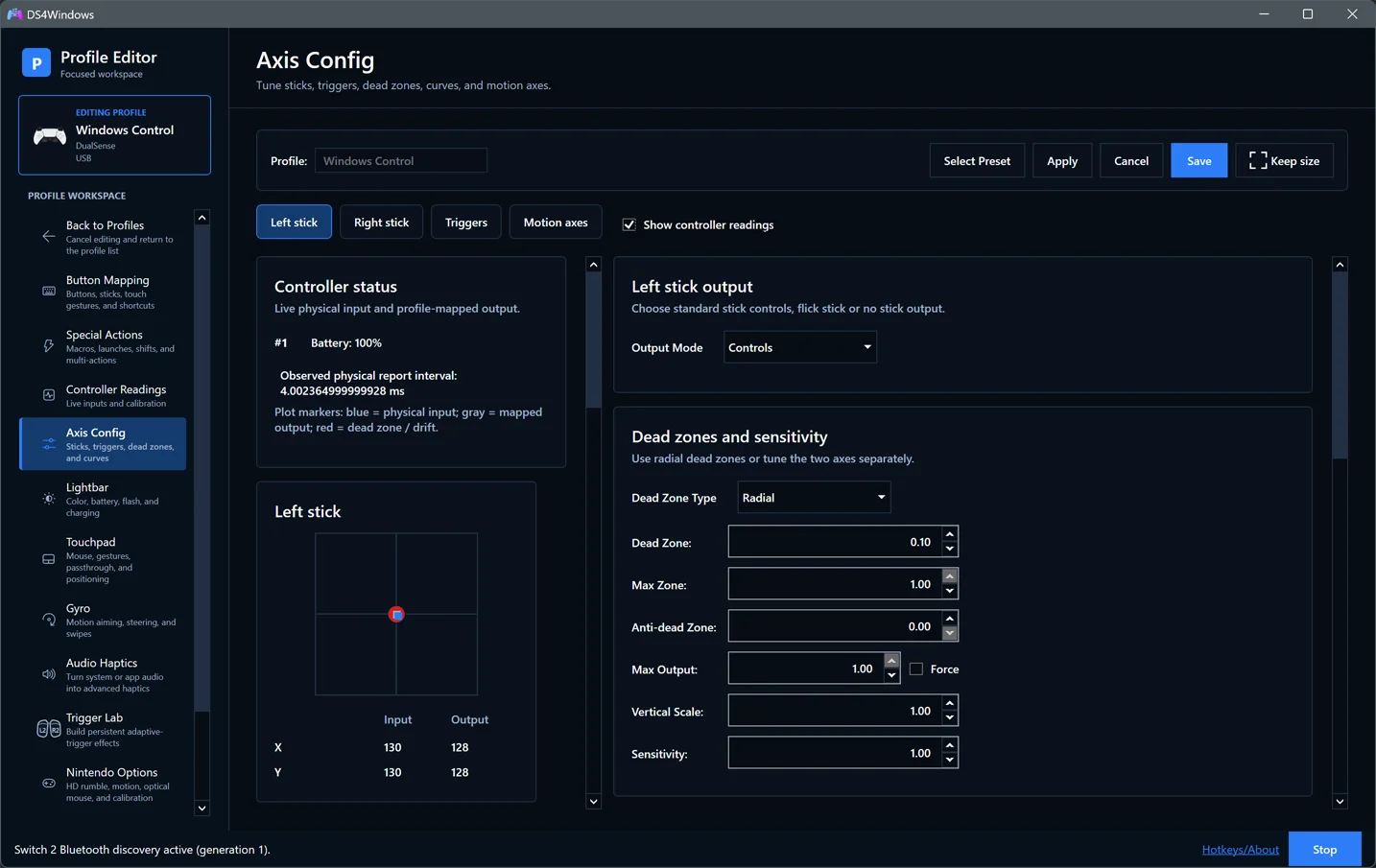
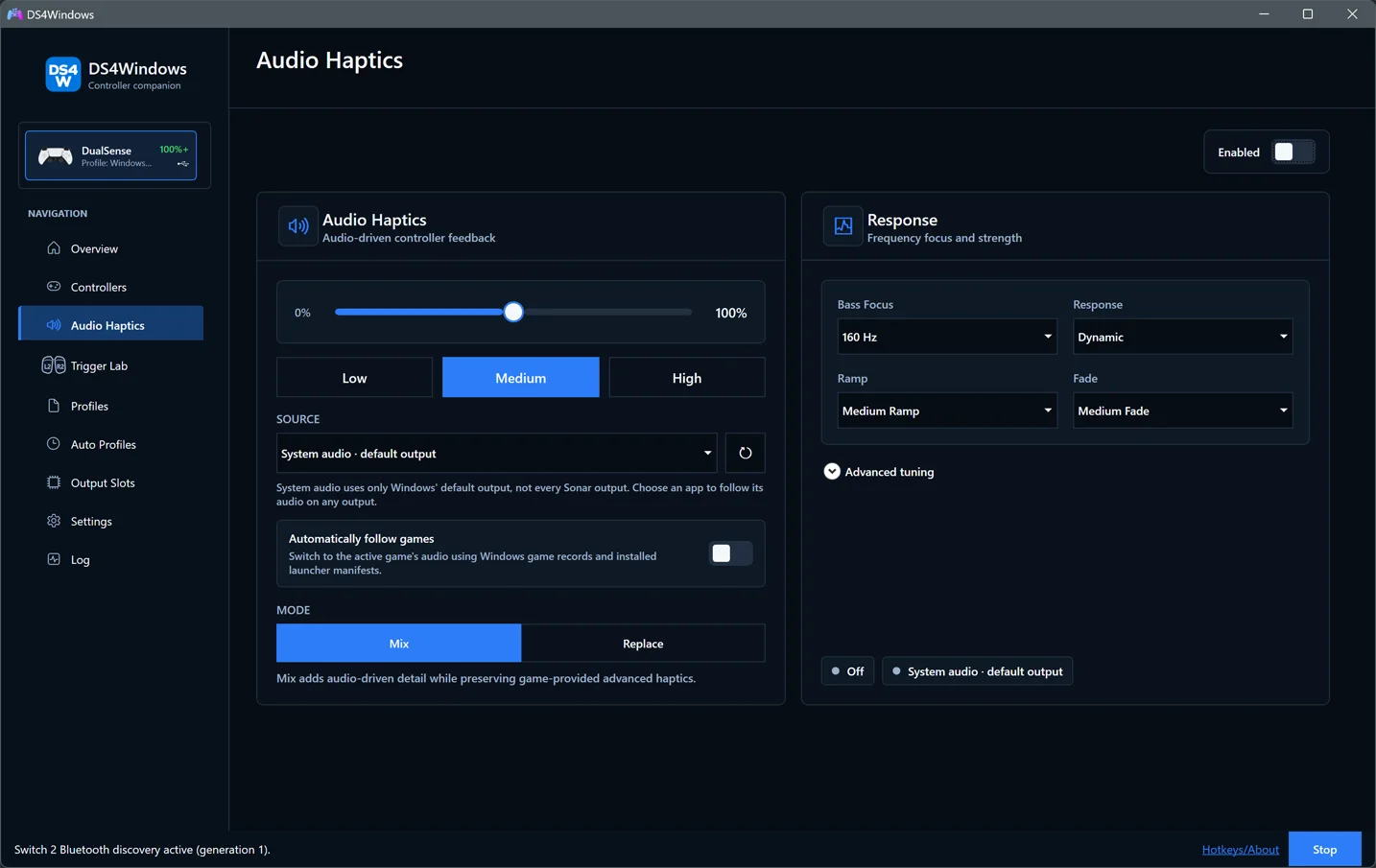
Audio Haptics
Turn system or application audio into vibration, with intensity, response and optional frequency filters. Audio Haptics is separate from native game-authored haptics. Audio Haptics guide.
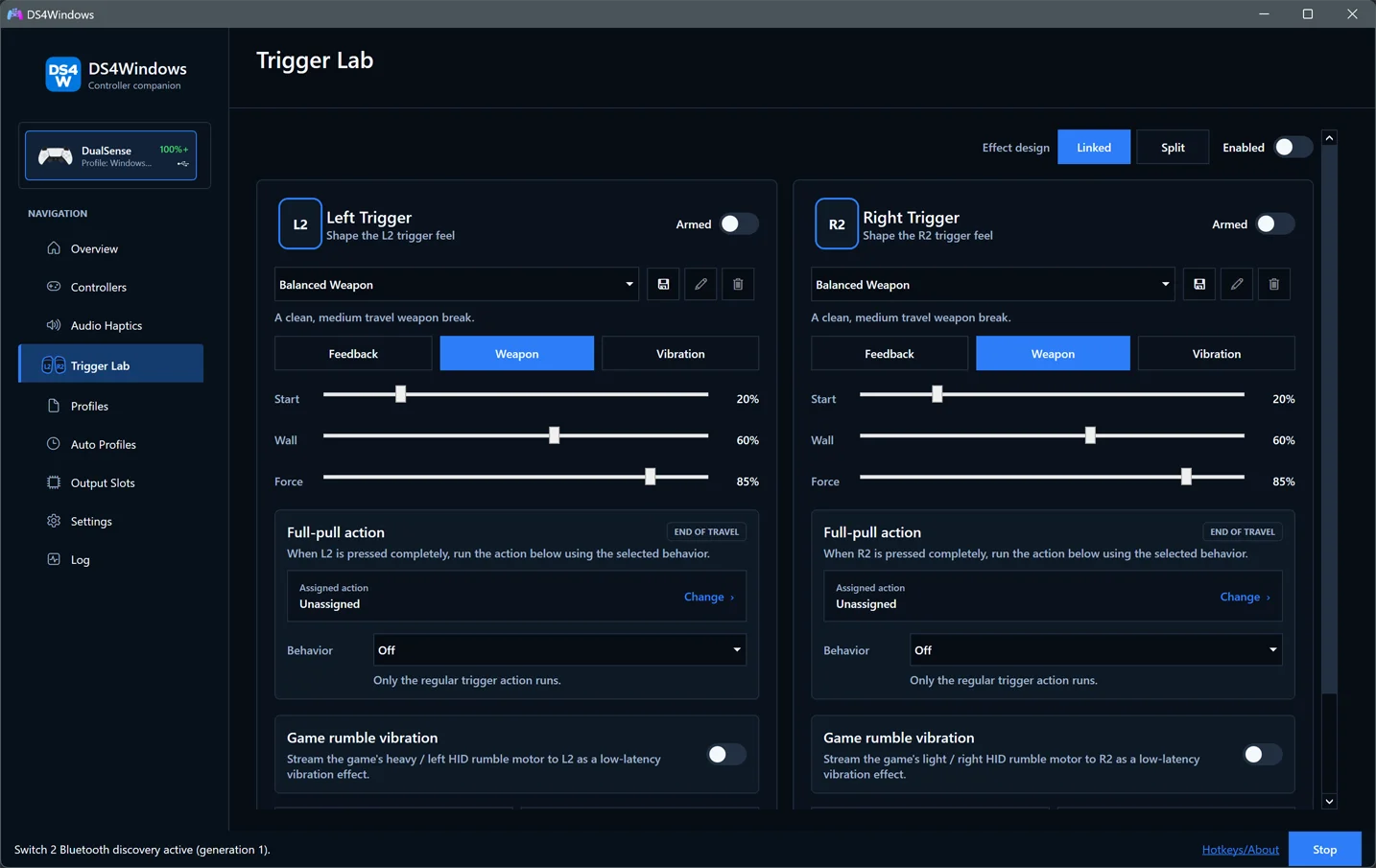
Trigger Lab
Explore adaptive-trigger effects, presets and full-pull actions on compatible hardware. Trigger Lab guide.
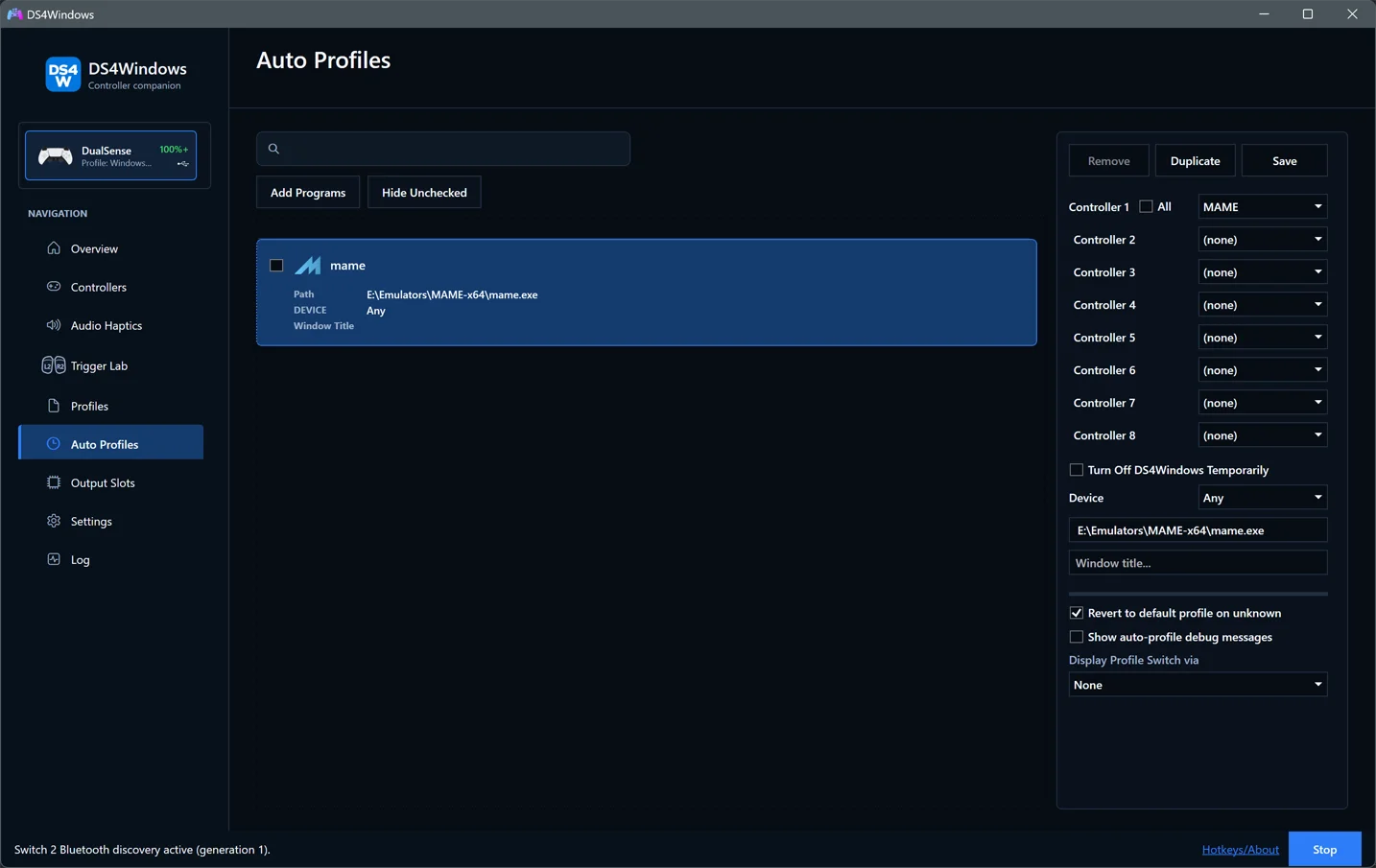
Auto Profiles
Switch profiles automatically using application and window-title rules. Auto Profiles guide.
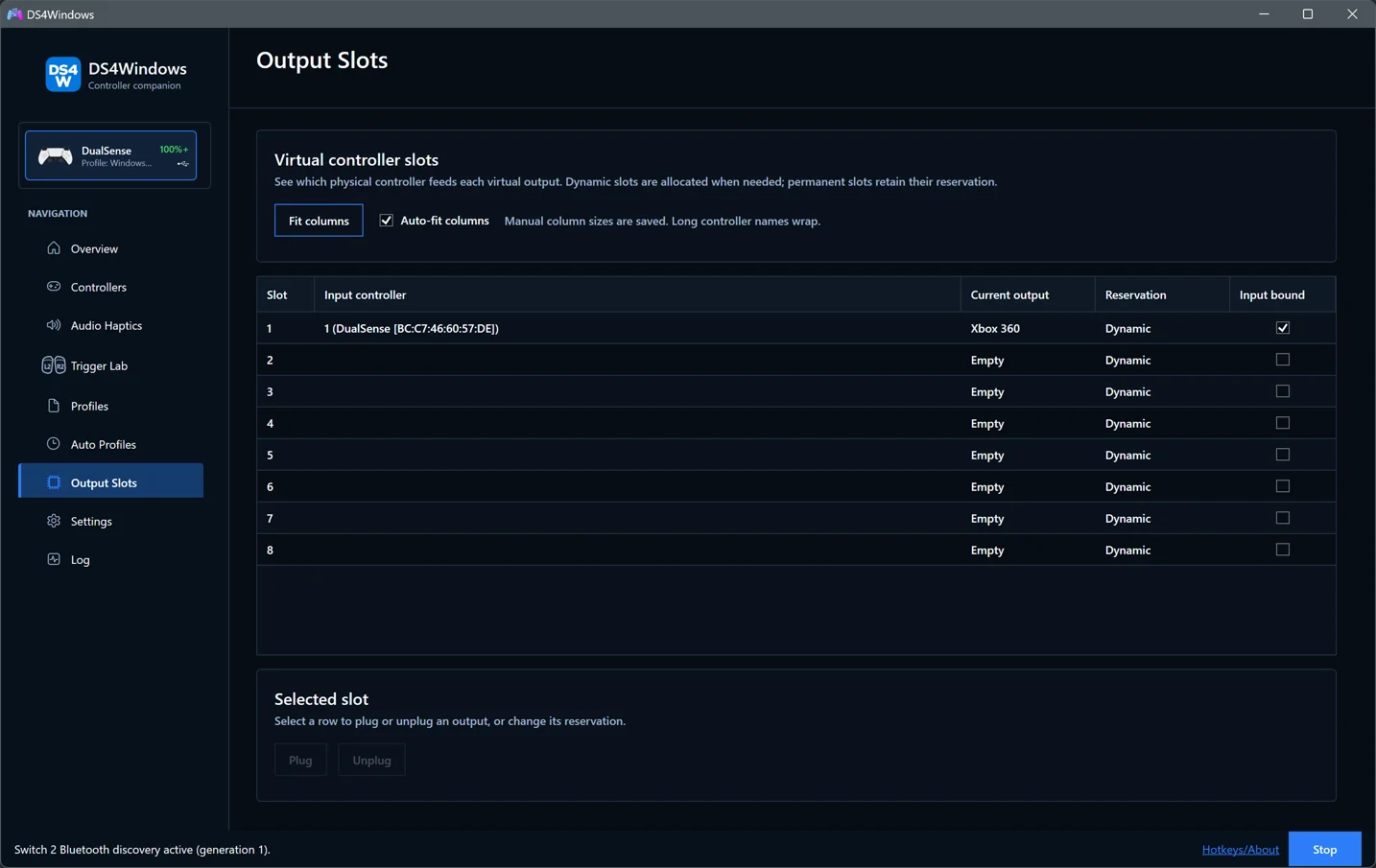
Output Slots
Inspect virtual-controller slots and manage reservations. Output Slots guide.
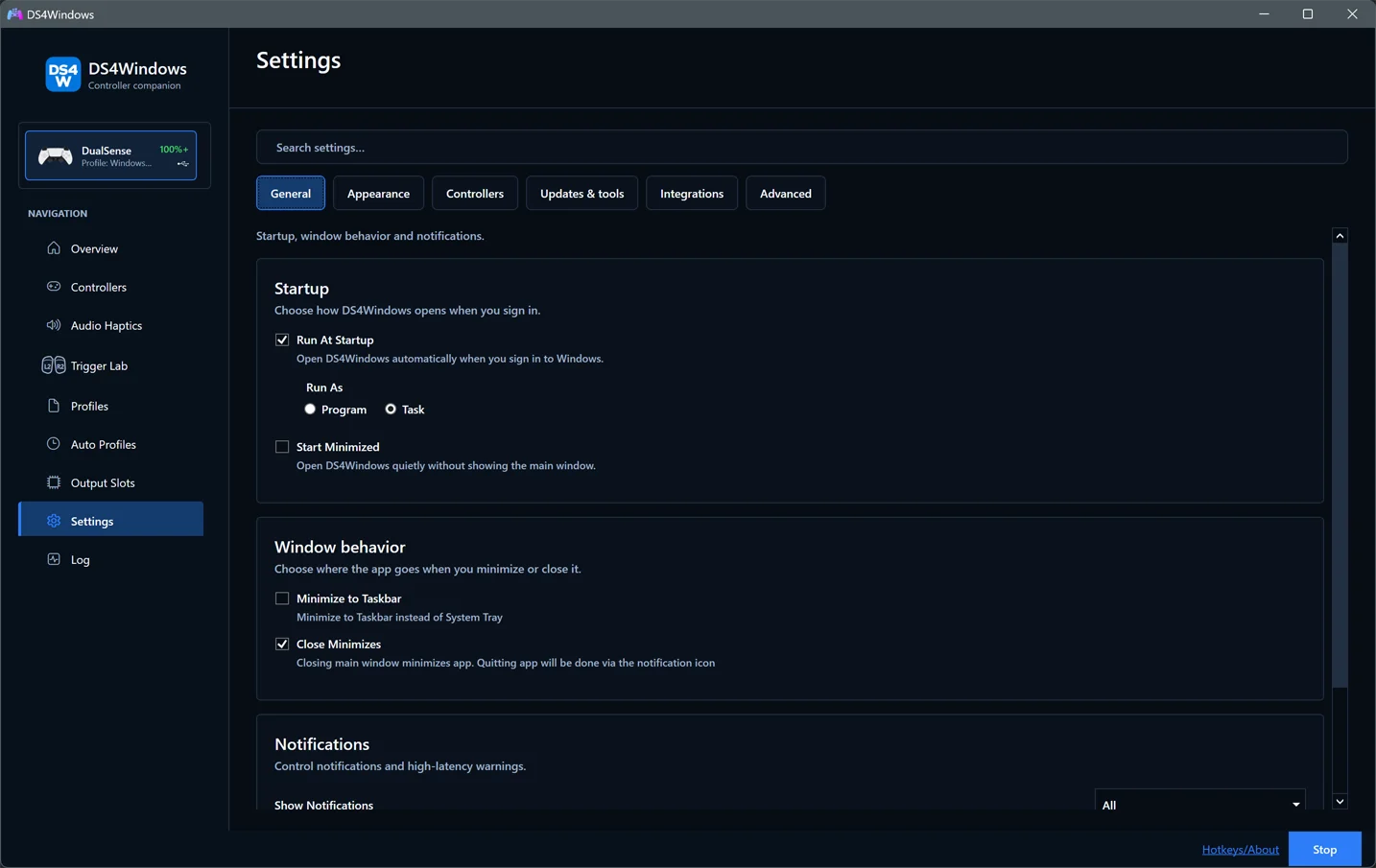
Settings
Find startup, appearance, controller, integration and advanced preferences in focused sections. Settings guide.
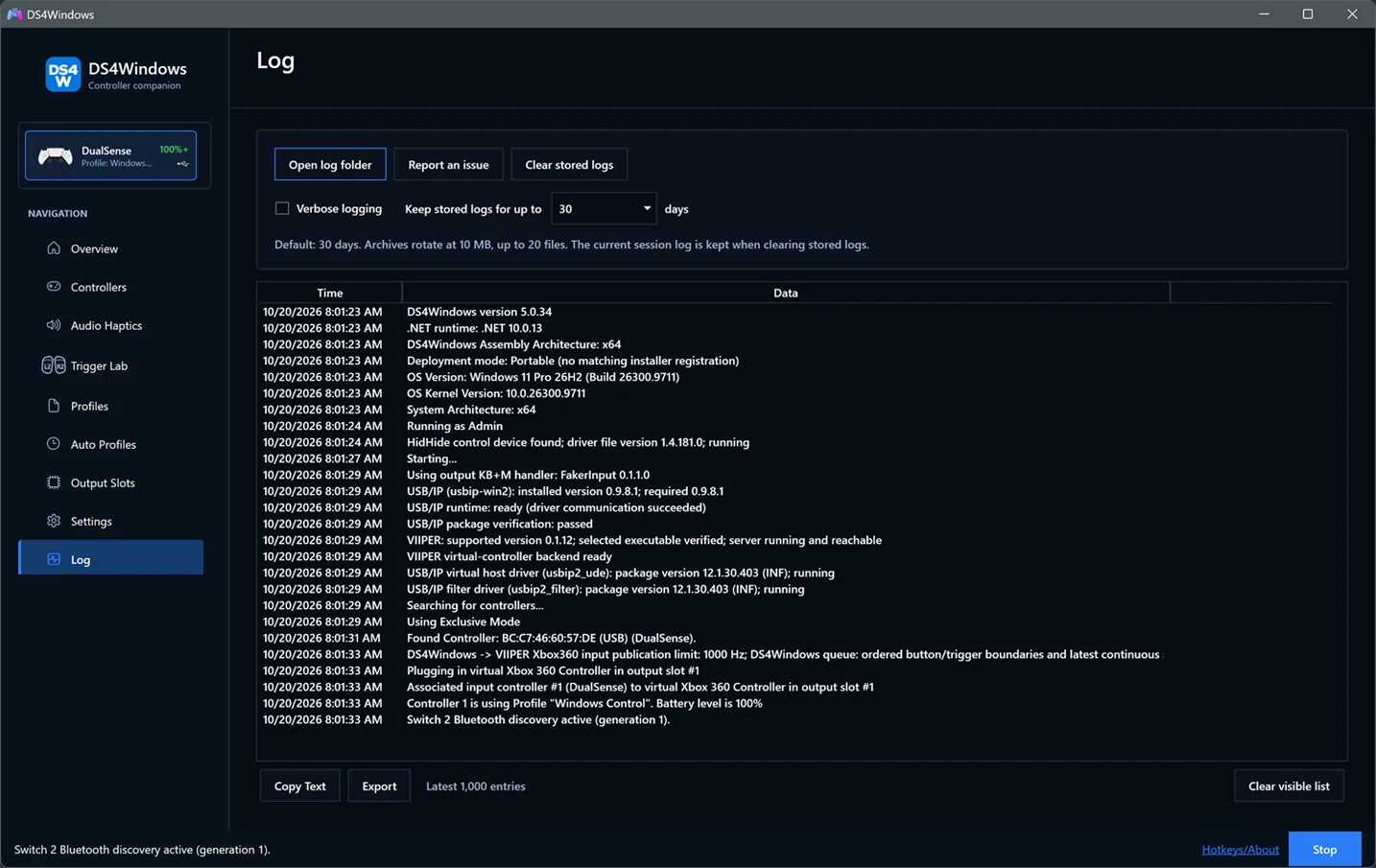
Log and diagnostics
Copy or export the current log, enable verbose details while troubleshooting, and manage stored logs. Diagnostics guide.