DS4Windows documentation
Guides for the current Windows x64 app. Start with setup, then choose a feature or app page below. Screenshots illustrate the interface; their selected options are examples, not recommended settings for every controller.
Start here
| Task | Guide |
|---|---|
| Install, connect or update | Getting started, including portable setup and profile backups |
| Choose a physical controller and virtual output | Compatibility and feature limits |
| Fix detection, double input, missing feedback or updates | Troubleshooting |
| Collect information for an issue | Log and diagnostics, including the XInput controller test |
| Upgrade the bundled backend | USB/IP upgrade: matching usbip-win2 0.9.8.1 / VIIPER 0.1.12 and restart requirements |
Explore the app
See the fresh screenshot gallery for Profile Editor, Audio Haptics, Trigger Lab, Appearance and the Log page.
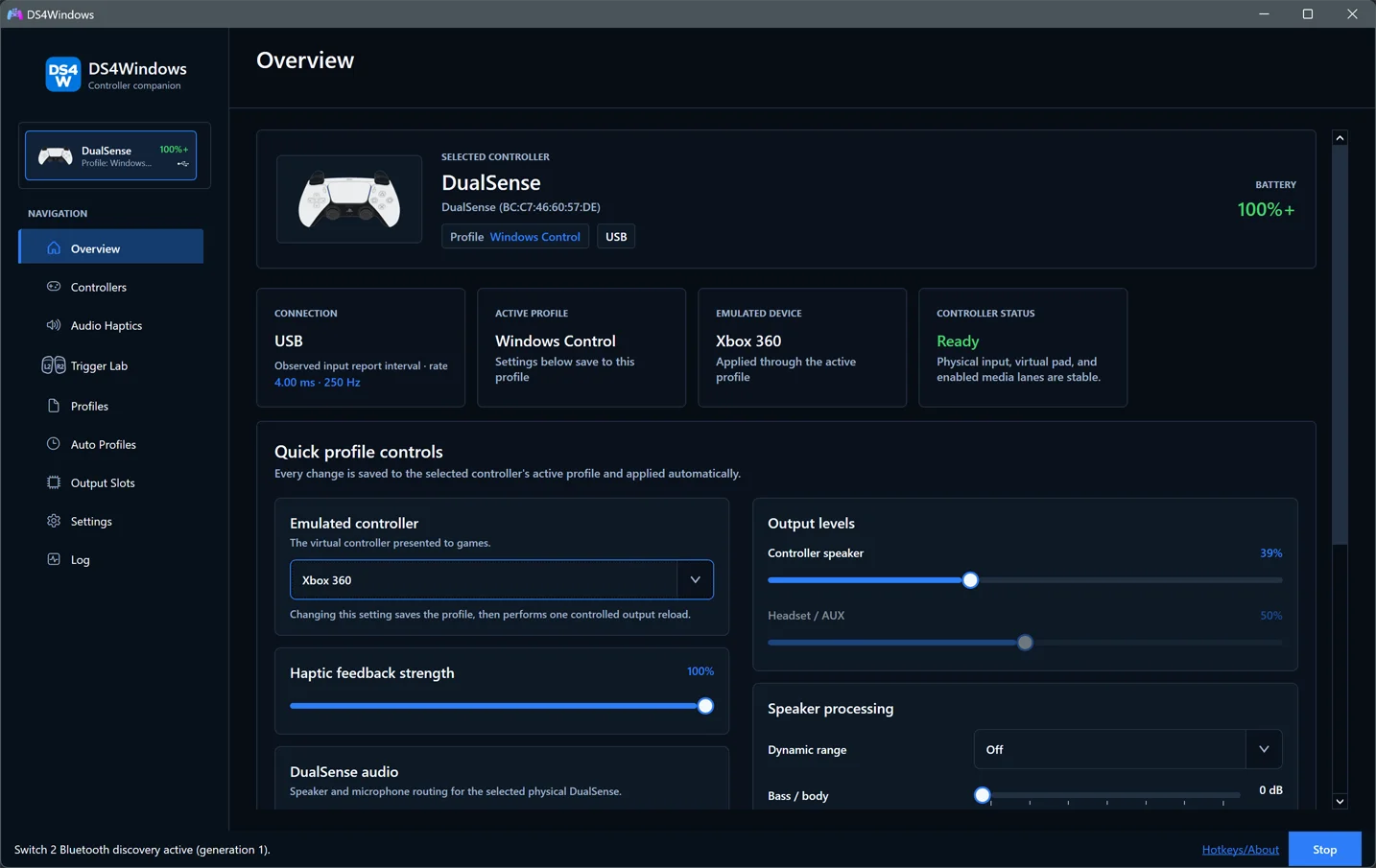
The illustrated user guide covers the app's pages: Overview, Controllers, Profiles, Audio Haptics, Trigger Lab, Auto Profiles, Output Slots, Settings and Log.
Configure a feature
| Guide | What it covers |
|---|---|
| Profile Editor | Saving, button mapping, special actions, live readings, axis response, lightbar, touchpad, gyro and Advanced categories |
| Controller audio and game feedback | Native haptics, speakers, headsets, microphones, mute controls and feedback priorities |
| Audio Haptics | System/app capture, automatic game following, Mix/Replace and response tuning |
| Trigger Lab | Linked/split effects, presets, previews, full-pull actions and returning control to games |
| Nintendo controllers and options | Pairing, optical mouse, motion, dual Joy-Con aiming, second actions, calibration and USB headsets |
| Game Bar and integrations | Game Bar compatibility, UDP motion output, OSC control/monitoring and links to DSX/streaming setup |
| Swipe profiles | Restrict two-finger profile switching to selected profiles |
| Moonlight / Sunshine | Accept supported streamed virtual controllers on the host |
| Flick stick | In-game calibration and troubleshooting |
| Mouse clicks | Diagnose simultaneous mouse-button mappings |
| DSX game mods | Local mod setup, temporary trigger/light overrides and limits |
Contribute and maintain
Implementation contracts and dated validation records are intended for contributors. Use the feature guides above for everyday setup.
- Contributing: reporting bugs, proposing changes and documentation rules.
- Development: pinned SDK, build, both test suites, packaging and code layout.
- Dependency maintenance: Dependabot coverage, lock-file review and manually maintained components.
- Branch audit and cleanup record: dated findings across the three forks and recorded cleanup decisions; recheck live branch tips before further cleanup.
- Roadmap: priorities and proposals, rather than a completed-task list.
- Build and test audit: measured pipeline costs, improvements and remaining tradeoffs.
- Release process: numeric versions, draft builds and Latest publication.
- Installer and installer validation.
- Translations and profile schema reference.
- Technical reference, including Bluetooth audio/haptics and protocol contracts.
- Validation archive: dated tests and investigations.
Release history belongs in CHANGELOG.md. Keep one canonical page per topic, and link directly to it. A dated investigation describes its recorded source and hardware; it does not establish the status of a newer build.
- Controller info: physical and emulated identity, battery/status and available firmware details.