
PAV-OSMOLSKI / DS4WINDOWS
Your controller.
Your way.
Make your favourite controller feel at home on Windows.
Remap your controls. Aim with gyro. Shape the feedback. Build a profile for the way you play.
Free & open source · Windows x64 · .NET runtime included
A new set of possibilities. DualShock 3 / 4DualSense / EdgeSwitch Pro / Joy-ConSwitch 2 Pro / Joy-Con 2
CONTROL THAT FITS YOU
More than a different
button layout.
This fork continues DS4Windows development with a focus on clearer controls, reliable feedback and ongoing maintenance.
Keep the hardware you enjoy, then choose the controller your game sees. Features depend on your physical controller, connection and game.
Find your controller and its capabilities01 / MAKE IT YOURS
One controller.
A profile for every game.
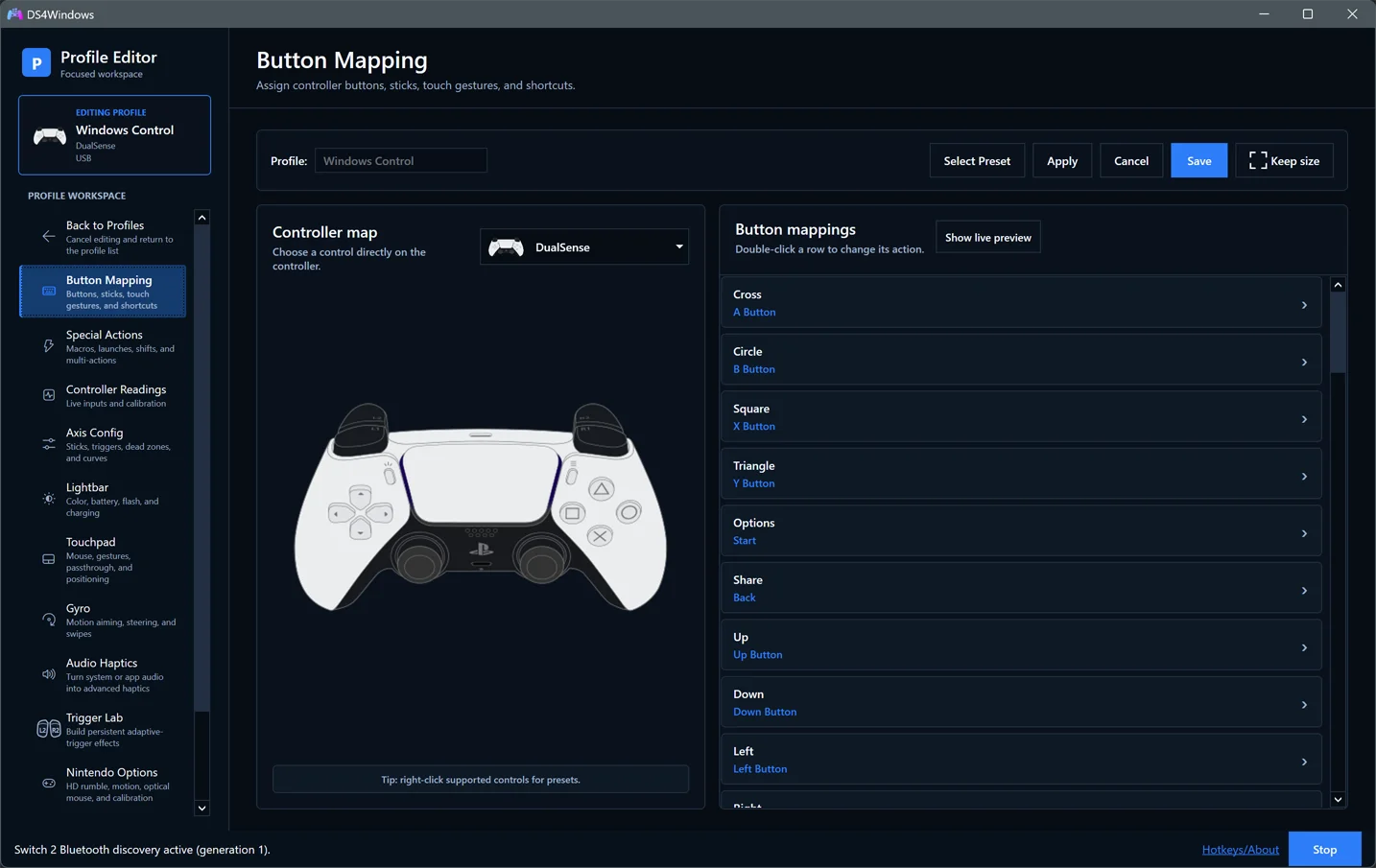
Map buttons, sticks and touchpad inputs to gamepad, keyboard or mouse actions. Fine-tune response curves, add macros and switch profiles automatically when a game opens.
- Button and stick remapping
- Gyro aiming and flick-stick configuration
- Per-game profiles and automatic switching
02 / FEEL THE MOMENT
Bring the game
into your hands.
Receive native DualSense haptics and adaptive-trigger feedback in supported games. Or turn system and application audio into vibration with Audio Haptics.
Adjust intensity and frequency filters, and use Trigger Lab to explore linked or independent trigger effects.
Understand game feedback and audio Tune Audio Haptics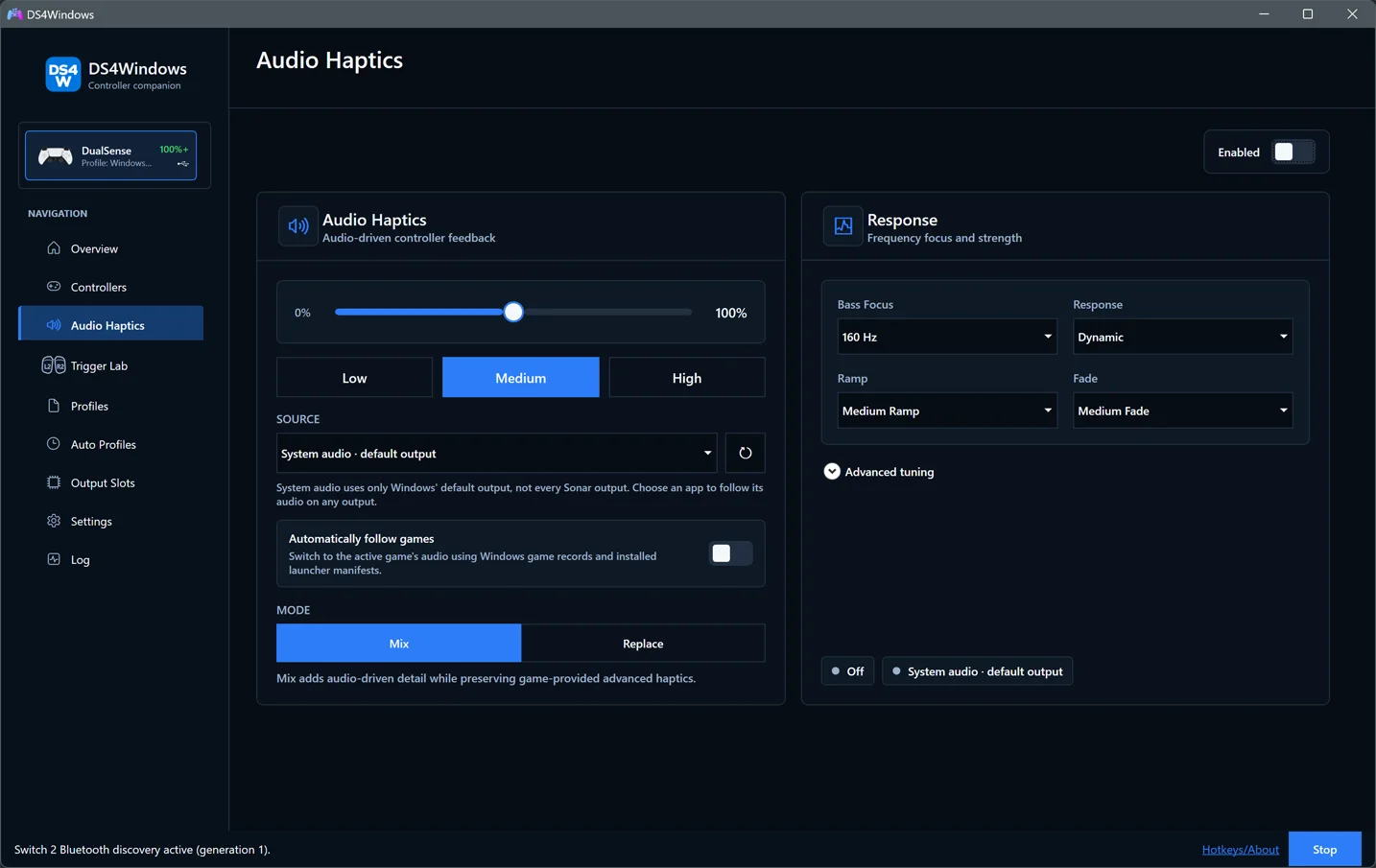
03 / FIND YOUR SETTINGS
Plenty of options.
A clearer place for them.
Search Settings, check live controller readings and manage your output slots. Choose a light or dark theme and a sidebar icon that feels like yours.
When something goes wrong, the Log page puts copying, exporting, verbose logging and stored-log management in one place.
Take a tour of the app Browse fresh screenshots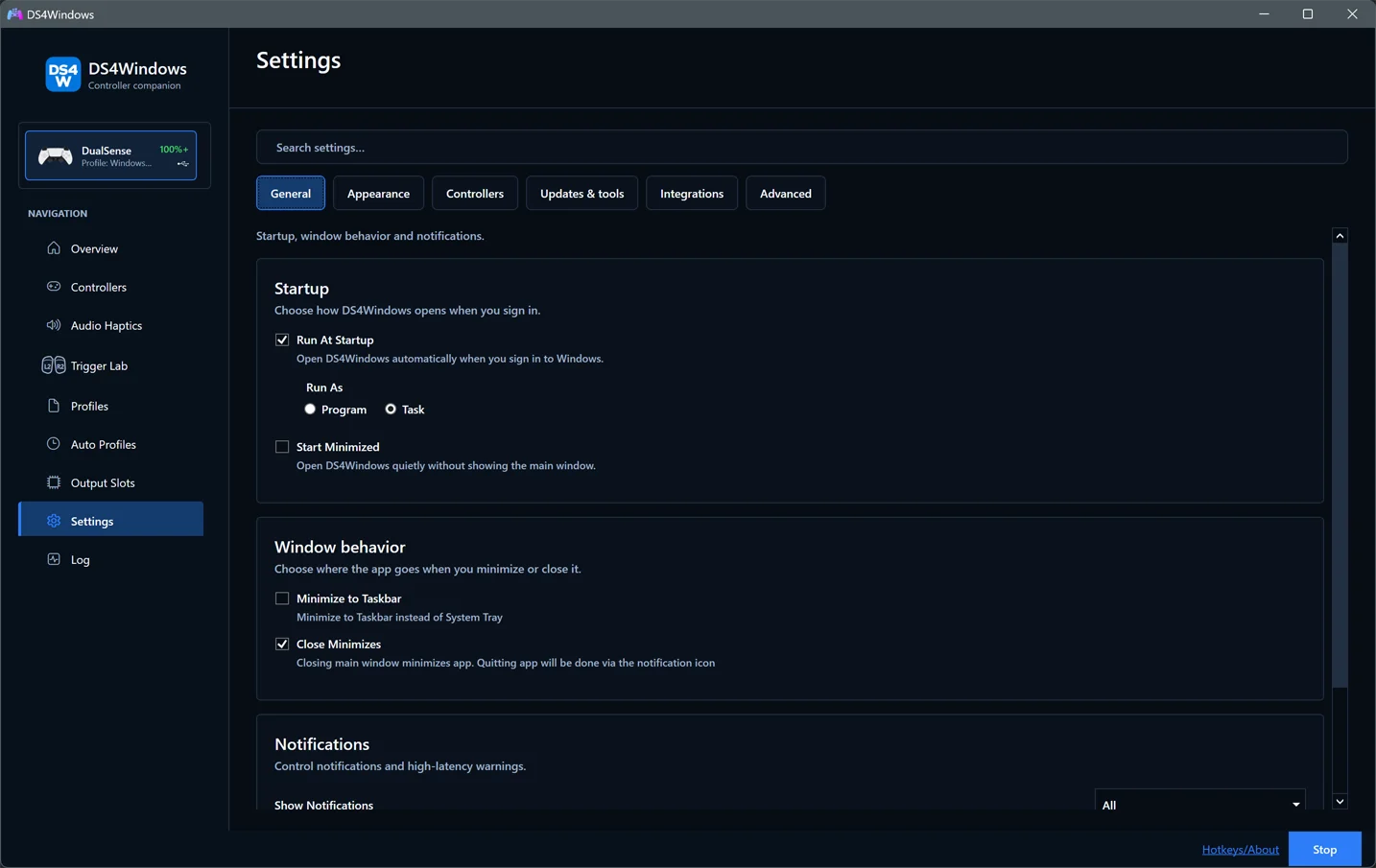
CONTINUING THE PROJECT
Active maintenance.
Visible progress.
Follow the changes, read the source and see how releases are checked. Improvements are documented, with issue reports and upstream work credited.
Read the changelogReviewed releases
Automated application tests, packaging checks and installer upgrade tests help keep changes verifiable.
A matching backend
Release packages include the matching VIIPER backend and USB/IP setup, with startup checks and useful diagnostics.
Open build records
Downloads include matching source archives, checksums and build records. Current Windows packages are unsigned.
A GOOD PLACE TO START
Less searching. More playing.
First-time setup
Download, connect a controller and choose the output your game needs.
Start here →Moving from another fork?
Back up your profiles and make a clean move without mixing application files.
Migration guide →Something not working?
Find help with detection, double input, feedback and updates.
Troubleshoot →READY WHEN YOU ARE
Give your controller
a little more freedom.
Download the x64 installer, or choose the portable ZIP.
Built on a community's work.
This independent fork builds on hbashton's DS4Windows and the wider DS4Windows community. Special appreciation goes to Nefarius for foundational Windows controller tools, including HidHide.